Products / Digital Signage

Digital Signage
Easy-to-use interactive digital signage lets different departments, screen hosts, and other stakeholders post and update content that connects community members with both organizations and location-specific and community-wide information and events. Integrated with Google Slides, anyone can post and manage content without needing technical expertise.
City of Oberlin – Hotel at Oberlin
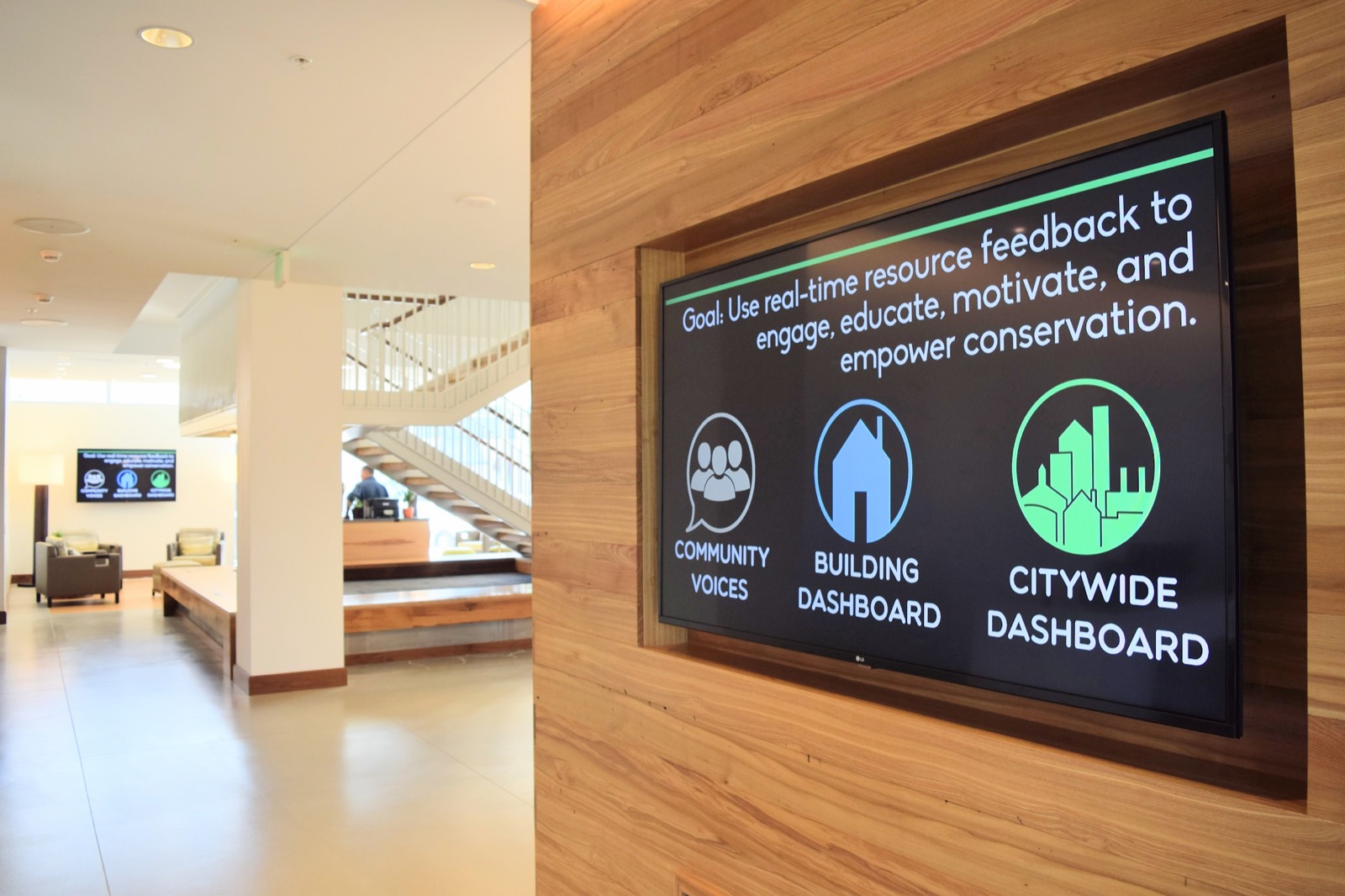
Example 1 of 9
Interactive by design
Visitors scan a QR code with their phone or use a nearby touchpad to choose what plays on the screen.
Managed with Google Slides
Organizations update slide decks, events, and announcements using familiar tools that publish straight to the display.
Community & location content
Bring community-wide calendars, voices, and dashboards together with content tailored to each host venue.
Community and local content
CommunityHub’s digital signage connects community members with information and events from across their community. Organizations can also post and update content specific to their location, bringing community-wide and organization-specific communication together on one screen.
Community calendars, stories, and resource-use visualizations provide opportunities to inform, engage, and connect the people who live, shop, work, and play in the community.
MidTown Cleveland – MidTown, Inc. Jobs Board

Example 1 of 6
Choose what playsChoose what plays on screen
At a digital sign, visitors can scan the QR code with their phone or use a nearby touchpad to choose what plays on the big screen. Try it below — click any topic on the phone controller to switch the screen immediately to Slide 1.
Oberlin College – Heating & Cooling
Oberlin’s Sustainable Infrastructure Program