LoRaWAN
LoRaWAN makes it easy for schools and campuses to run their own private network of environmental sensors. Gateways and sensors are simple to set up with step-by-step guides, and the readings flow into Data Hub, where they can be shared on websites and digital signage.
- 1
Sensors and gateways
Air quality and energy sensors send their readings over long-range radio to a gateway on site.
- 2
Your private network
Each organization has its own workspace for its gateways, sensors, readings and alerts.
- 3
Data Hub and other systems
Readings flow into Data Hub and can also be shared through an API, webhooks or a CSV download.
Easy setup
Choose the sensor model and follow the written steps for that device. The network key is created for you on the server.
Alerts
The console lets you know when a sensor stops reporting, a gateway goes offline or a battery runs low.
Sharing your data
Readings can be explored in charts, downloaded as CSV files, or sent to other systems through a REST API and signed webhooks.
Built on a real campus network
LoRaWAN was built and tested on a campus network at Oberlin College, with a gateway on a rooftop and air quality and energy sensors whose readings flow to a community dashboard.
- 1
Connect a gateway
Register your gateway and the console gives you the exact settings to enter.
- 2
Add sensors
Choose the sensor model and the guide walks you through activating and setting up that device.
- 3
Follow the readings
See live readings, charts and alerts, and choose who in your organization can view them.
Works with
The console comes ready for these sensor types, with their decoders installed. Other hardware can be added as a custom device type.
- Milesight AM seriesIndoor air quality
- Milesight EM seriesEnvironment monitoring
- Milesight CT seriesElectric current
- Milesight WS seriesSmart buttons and switches
- Wio-E5, XBee LR, RFM95Build your own
Privacy and security
Each organization’s network is kept separate from every other, and its data only goes where the organization chooses to send it.
Separate workspaces
Sensors, gateways, readings, people, API keys and webhooks all belong to a single organization.
Credentials stay on the server
Network and integration credentials are never sent to the browser.
Roles
Administrators decide who can manage the network and who can only view readings.
Readings can be sent to
- Data Hub
- Webhooks
- MQTT
- AWS IoT Core
- Azure Event Grid
- ThingsBoard
- Datadog
More products
All products Building DashboardElectricity and water for buildings and groups of buildings
 Citywide DashboardPower, drinking water, and the weather, for the whole town
 Data HubCollect, manage and visualize resource data
 StoriesHow local systems work, one chapter at a time
 StudiosMaps, stories and signage loops made from live data
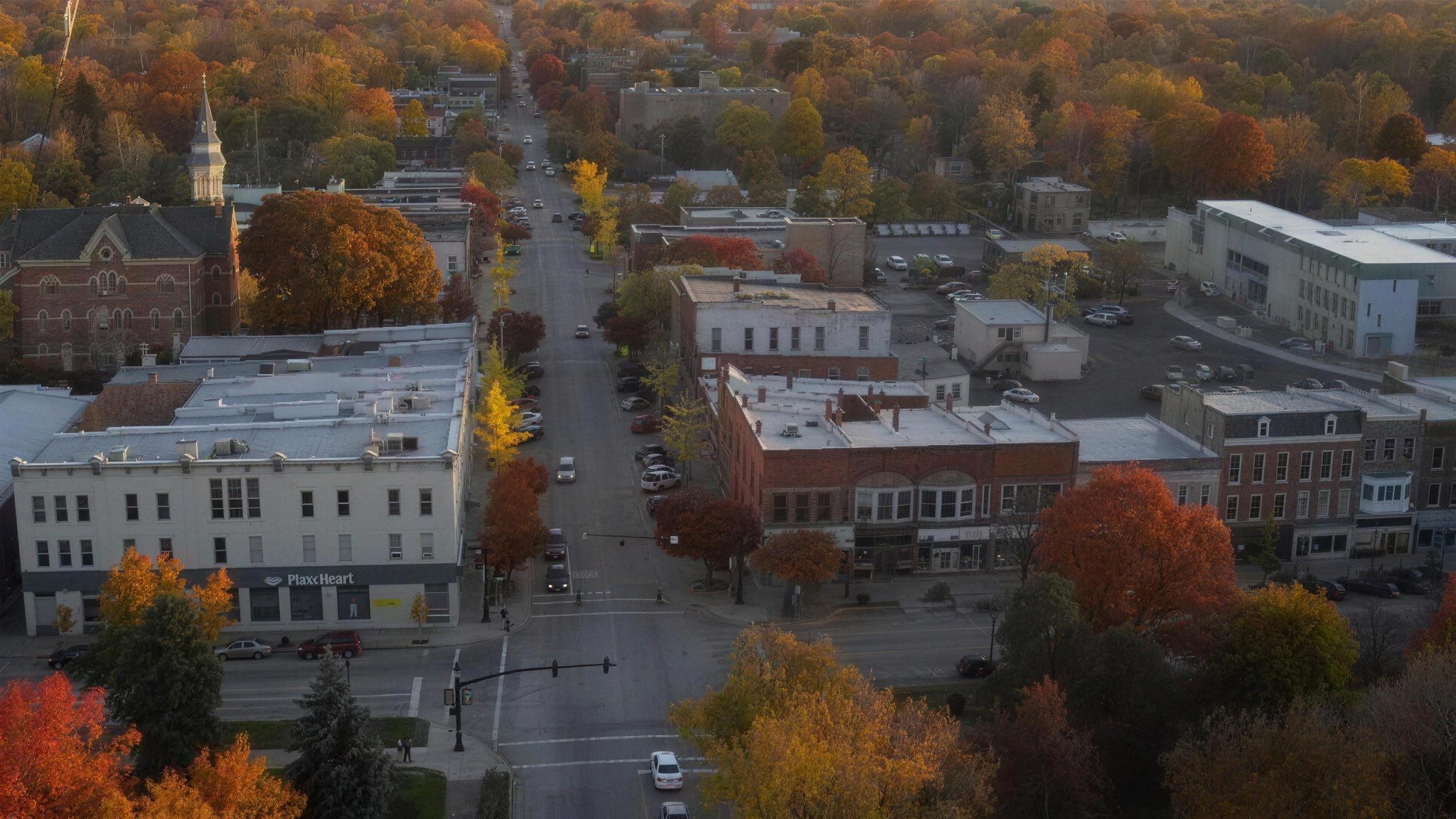
Bring Dashboard to Your Community
Community engagement is community building.
We welcome inquiries about our software applications and pricing options for organizations and whole communities.
Read the implementation guideOr write to connect@communityhub.cloud