Digital Signage
 Phone App
 Web Embeddables
 Neighborhoods
Digital Signage
Engage
Easy to use interactive digital signage makes it simple for multiple stakeholders to post and update content that connects community members with both organization and location-specific and community-wide information and events
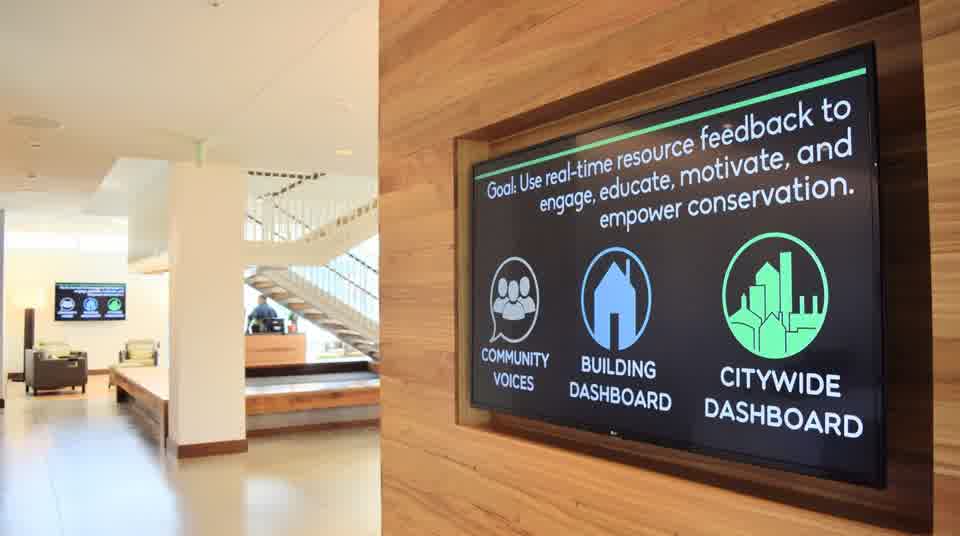 A Community Hub screen in the Hotel at Oberlin lobby.
What plays on the screens
 Building DashboardPatterns of real-time resource use in buildings
 Citywide DashboardWhole-community flows of electricity, drinking water, and current environmental conditions
 Community CalendarShare and promote events and announcements
 Community VoicesImages and words drawn from the full diversity of a community
 StoriesAnimated chapters with live data
Digital Signage
Each Digital Signage display can have its own unique sequence, content featured dependent on location
Events on the screen
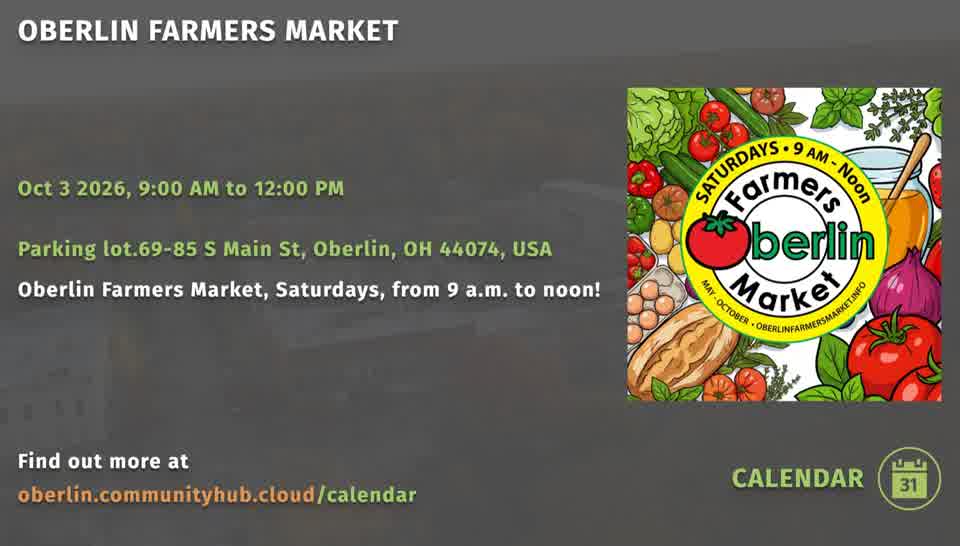
All events or job opportunities posted to Community Calendar and Jobs Board are auto formatted and added to live digital signage sequences upon their approval
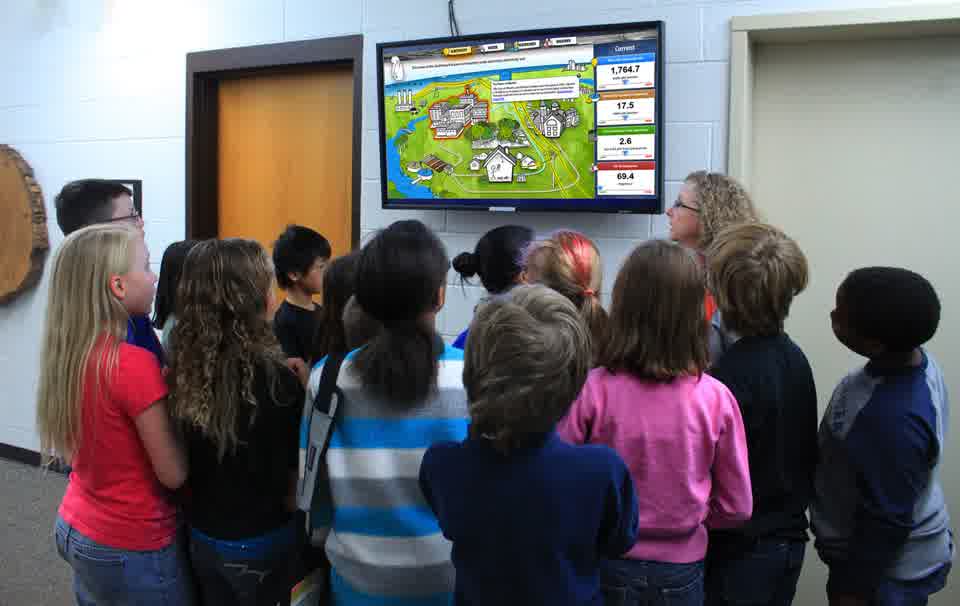
Shared community content
Screens throughout a community can display shared content, while also hosting location specific material unique to a handful of or single display
Location Specific Content
- 1
The shared loop
Dashboard explained, Community Voices, the Citywide Dashboard, the Community Calendar and the Jobs Board cycle first, the same content every MidTown screen shows.
- 2
The MidTown Story
A story chapter about the neighborhood plays next, shared by every screen in MidTown.
- 3
Dave's Market's own content
Content specific to Dave's Market plays last, shown only on the screen inside the store.
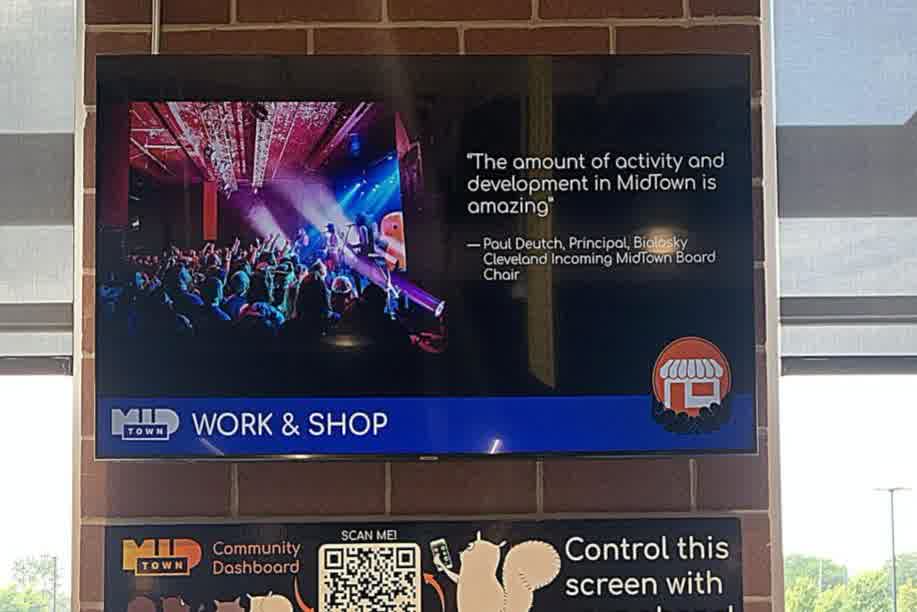
Managing content
Easy to use interactive digital signage makes it simple for multiple stakeholders to post and update content
- 1
Post to the calendar or jobs board
Organizations and community members share events, announcements and job opportunities on the Community Calendar and Jobs Board.
- 2
Approve it
All events or job opportunities posted to Community Calendar and Jobs Board are auto formatted and added to live digital signage sequences upon their approval.
- 3
Each screen keeps its own sequence
Each Digital Signage display can have its own unique sequence, content featured dependent on location.
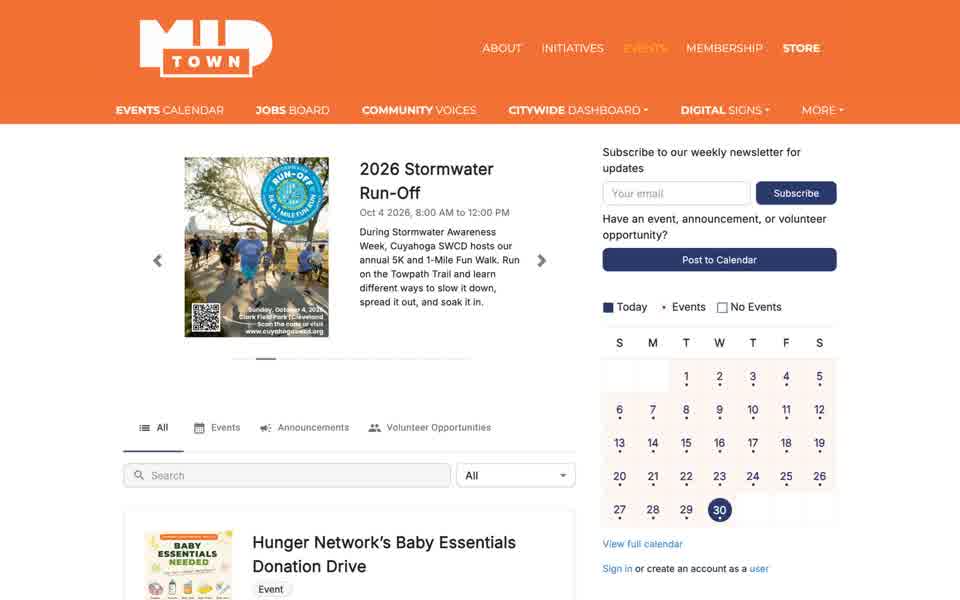
Controlled by phone

Using the phone controller
Our phone app doubles as a remote, giving users the power to control digital signage by simply scanning the respective QR code on location and selecting viewable content. Phone App
- Scan the QR code
Stand at the screen and scan the code on the poster beside it with your phone camera.
- Pick a topic on your phone
Your phone shows that screen's menu. At Oberlin College's Carbon Neutral Stories screen it lists Energy, Water, Climate and more.
- It plays on the big screen
The screen switches to your choice, so everyone in the room sees it.
Controllers in use
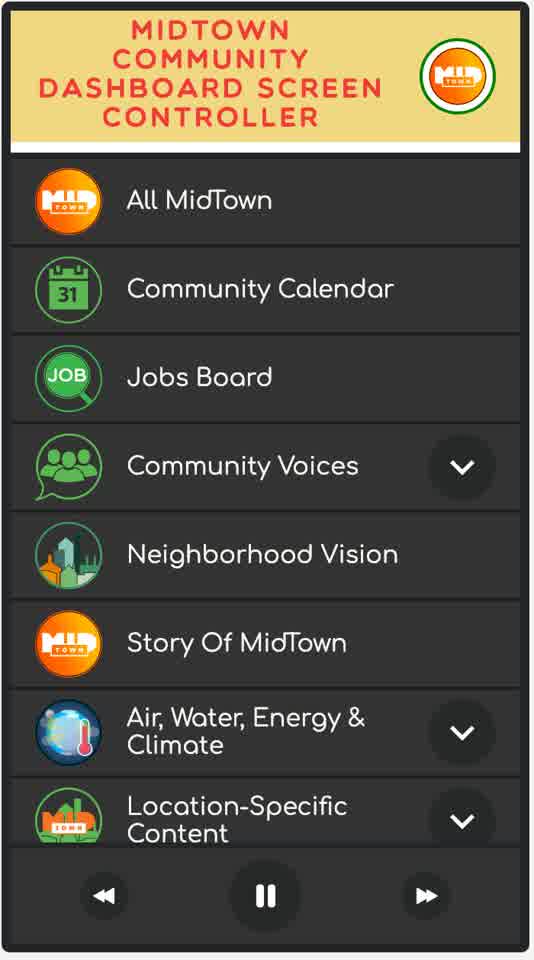
MidTown Cleveland
Visitors pick what the MidTown screen shows from the controller on their own phone.
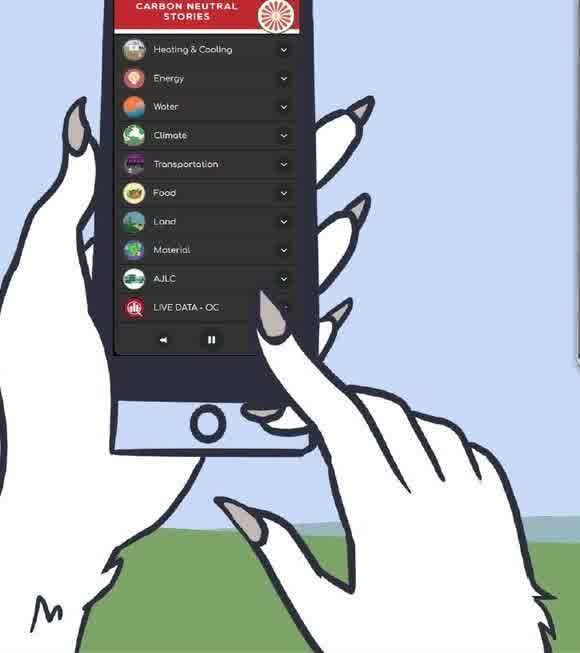
Carbon Neutral Stories
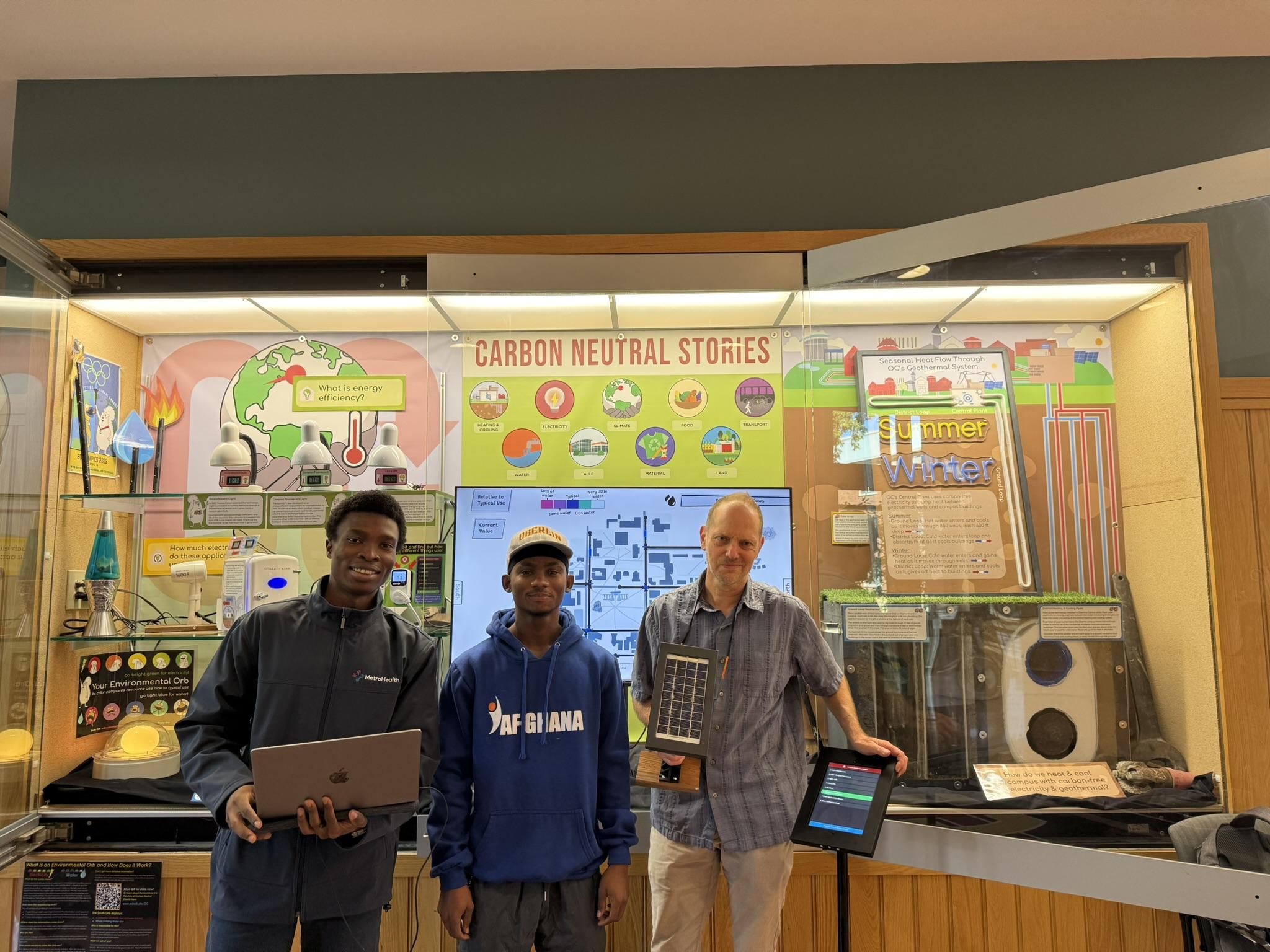
At Oberlin College, the phone chooses which Carbon Neutral Stories topic appears on the exhibit screen.
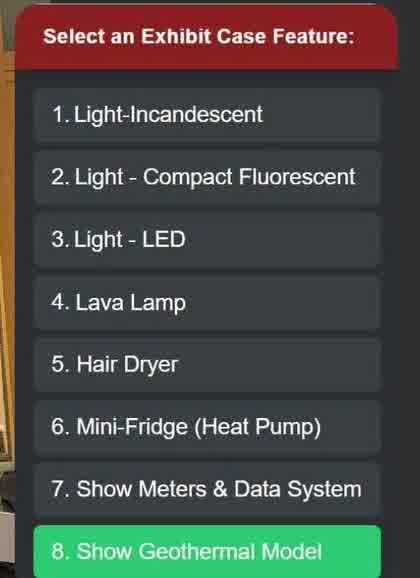
Exhibit case
At the Science Center exhibit case, the phone selects a feature: the lights, a lava lamp, a hair dryer, a mini-fridge heat pump, the meters and data system, or the geothermal model.
Where the screens are: Oberlin
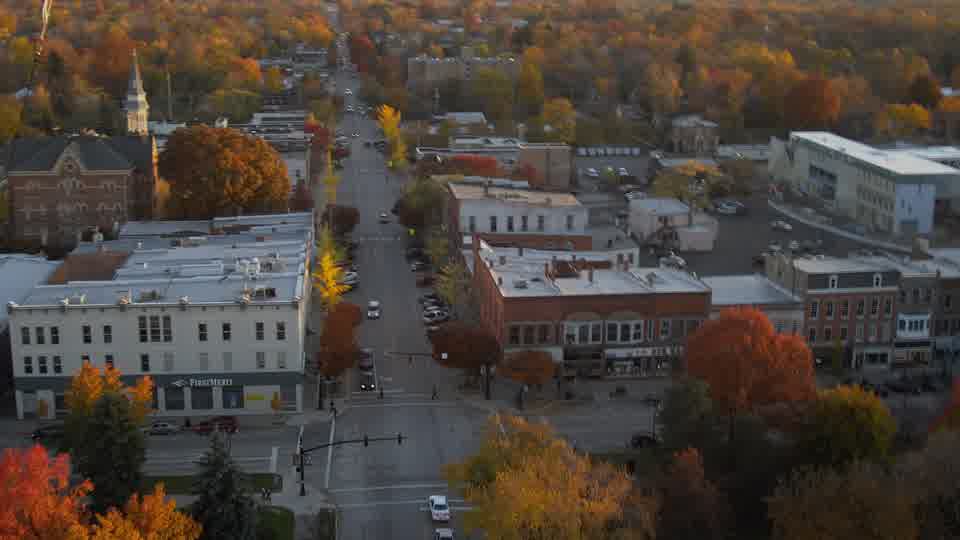
Oberlin, Ohio
24 interactive screens run in Oberlin's City Schools, the public library, a food pantry, downtown businesses, City Hall, the Fire Station, a retirement community and churches.
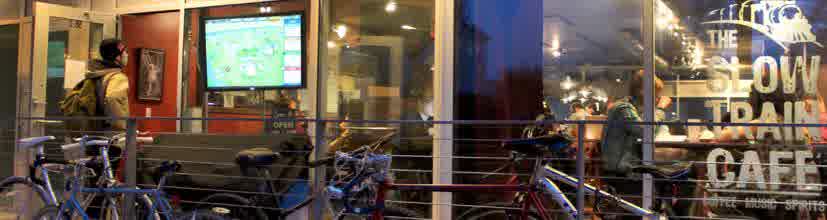
Slow Train Cafe
A Community Hub screen in the window of Slow Train Cafe, downtown Oberlin.
Where the screens are: Cleveland and campus
In MidTown, four screens run at Dave's MidTown Market, MidTown Inc's office, Fatima Family Center and Willson Tower Apartments.
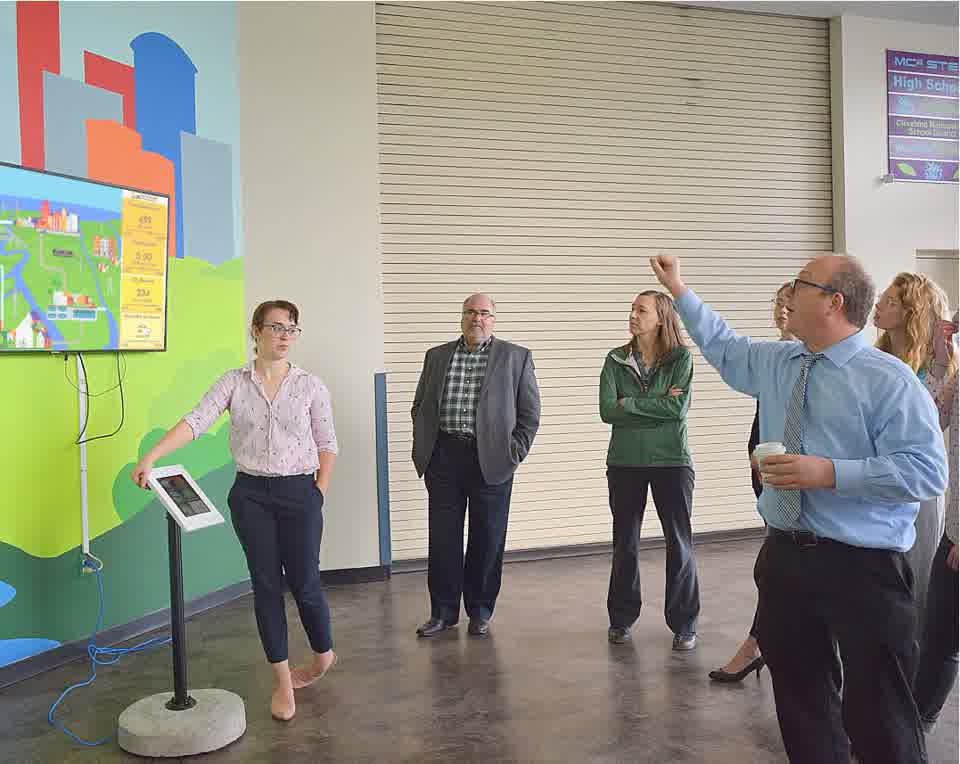
Great Lakes Science Center
A screen and touch kiosk at the Great Lakes Science Center, Cleveland.
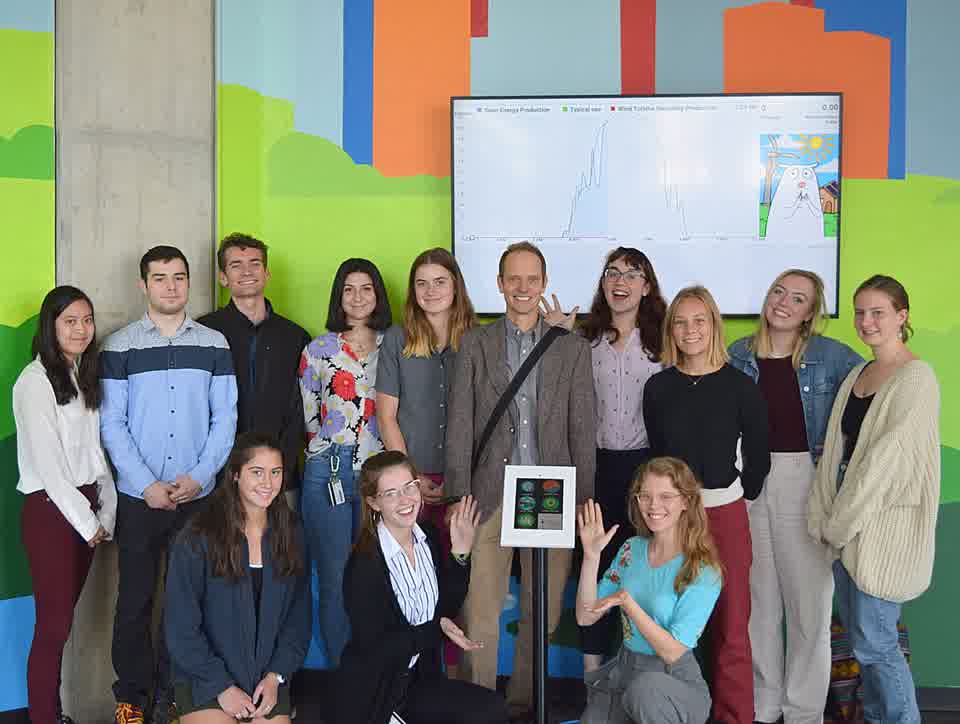
Great Lakes Science Center workshop
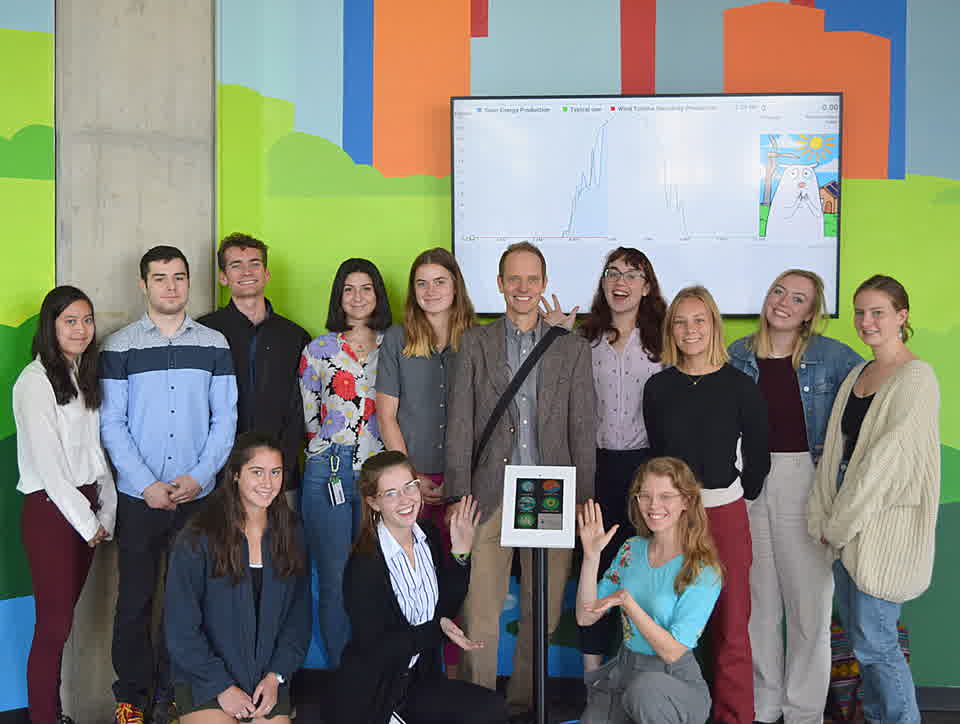
Students and staff in front of a dashboard screen and a touch tablet.
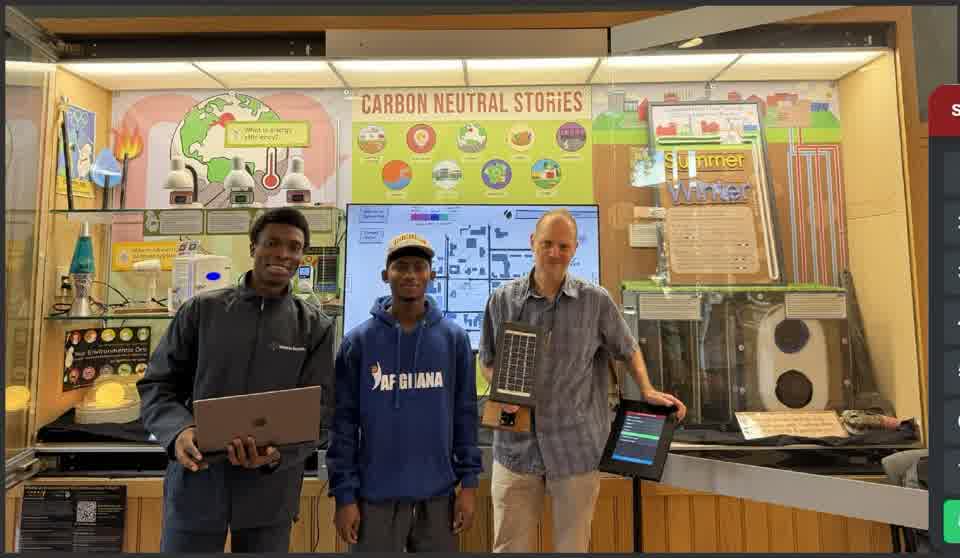
Oberlin College
The Carbon Neutral Stories exhibit in the Science Center. Oberlin College has 12 signs on campus.
“The dashboard signage is stitching together the work of Cleveland organizations to make the team effort apparent”
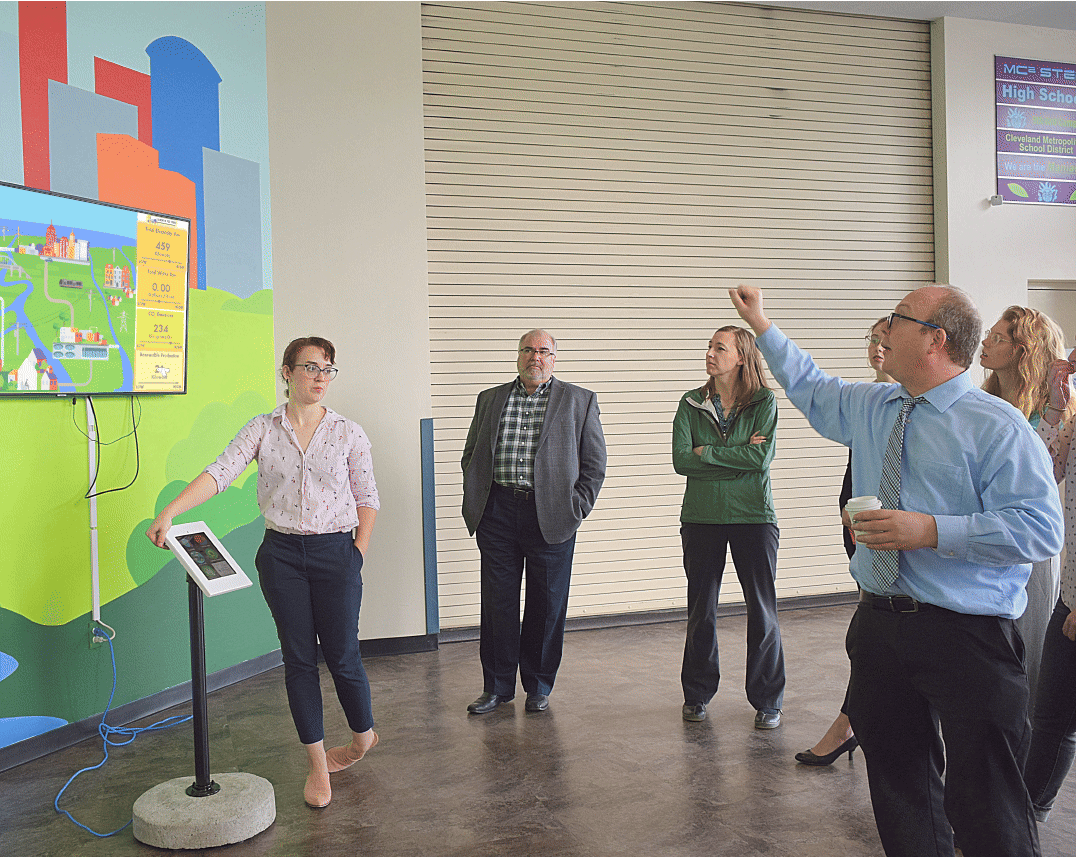
“You come into our community, you see Environmental Dashboard display signs, and you know what this community is about”